Understand users
Identify tasks, difficulties and priority journeys.
Our service
UX/UI design for a web application or SaaS connects business use with product delivery. We design user journeys and interfaces with technical constraints in mind, then follow them through to go-live, including for AI features built into your screens.
SaaS vendors and companies launching, redesigning or modernizing a web application or business tool
User journeys, mockups, clickable prototype, components and states ready for development
UX scoping, fixed-price batches, or design within a dedicated team
Follow-up through go-live; the same teams can build the application
What we deliver
UX/UI design turns users’ tasks into journeys and interfaces. It reduces ambiguity before development and prepares a consistent experience. In a business application, understanding a record, an error or an available action matters as much as how the screen looks.
Identify tasks, difficulties and priority journeys.
Formalize screens and interactions, then test the proposals against real use.
Define the components, states and rules needed for implementation.

For which needs
Effective UX/UI goes beyond aesthetics. It structures use, reduces complexity and aligns the product with users’ real needs. It comes into play at several points in a product’s life.
Establish understandable journeys from the first version, so feedback focuses on the product’s value rather than on learning how to use it. See custom MVP development.
Onboarding, sign-up, dashboards or business workflows with roles and approvals, wherever users drop off or make mistakes.
Redesign the interface of a web application or internal tool without rebuilding the whole product, starting with the most costly friction points.
Business portals, back offices, customer and partner extranets, web and mobile applications.
Structure a design system when several teams or modules produce different screens for the same needs.
Our UX/UI expertise
Identify friction points, prioritize quick wins and deeper workstreams.
Key needs, user flows and information architecture for a consistent experience.
Desktop and mobile screens focused on readability, use and real content.
Test journeys before development and validate UX/UI choices with users.
Components, usage rules, states, accessibility and design tokens shared between design and development.
UI reviews, implementation checks and adjustments through to go-live.
UX/UI and AI
A built-in assistant, search across your documents or automatic summarization raise their own interface questions: variable response times, uncertain answers, sources to display, the ability to correct or reject a suggestion, the user taking back control. These states are designed like any others, before development, so that users understand what the tool is doing and stay in control.
The team designing the interface works with the team integrating the model, which avoids screens that cannot hold up in production. See our enterprise AI solutions.
From work to deliverables
We start from real use, constraints and situations. Journeys and mockups are discussed with users and developers. Components are described with their states: empty, loading, error, validation and limited permissions. The handover includes the behaviors needed to build the interface, not just images.
Workshops, user needs and prioritization to scope the application or feature.
User flows, information architecture and key screens.
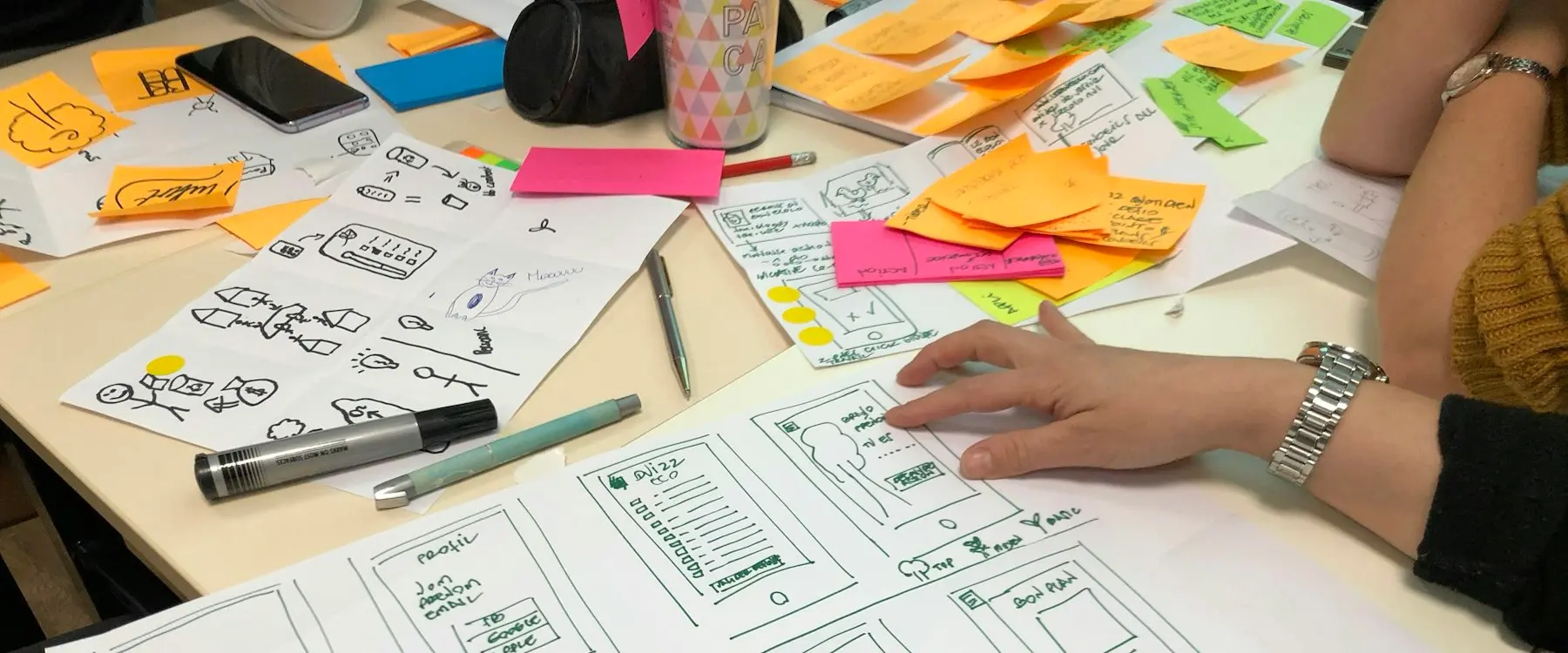
UI mockups and a clickable prototype to validate interfaces quickly.
Testing with users and simplifying journeys.
Specifications, components and UI reviews through to go-live.
Engagement models
To quickly scope an application or feature, with an understanding of needs, a prototype, user testing and an agreed direction. It can be part of IT project scoping.
For a redesign or a defined scope, journeys, screens or modules are designed with a committed budget and schedule. See the fixed-price IT project.
For a continuously evolving SaaS, UX/UI design follows the product roadmap, from the first version to the next, within a dedicated team.
The choices that matter
A component library should make changes easier without forcing the same screen onto every need. We look at accessibility, mobile and real content. Visual choices are tested against business rules and technical constraints before they become promises that cannot be implemented.
How we work together
You can walk us through how things currently work, the users involved and the difficulties you face. The documents, examples and access needed are specified afterwards, depending on the agreed scope. The first goal is to understand the work to be done and the dependencies that may affect how it unfolds.
Frequently asked questions
Yes. It defines journeys, designs interfaces and validates screens through prototypes before any code is written. This reduces back-and-forth during development, speeds up decisions and delivers a more consistent product from the start.
Yes, without rebuilding everything. A UX audit identifies friction points, then journeys, interfaces and readability are improved step by step, starting with what weighs most on usage.
Depending on the need, user journeys, wireframes, UI mockups, a clickable prototype, a design system and specifications for development, with the states of each component. These elements secure delivery and product consistency.
It is not mandatory at the start, but it quickly becomes useful as the product evolves. It standardizes components, keeps interfaces consistent and speeds up development, especially for a SaaS or a complex business tool.
Upfront to scope the product, during an interface redesign, or continuously to improve an existing product. Ideally, it should be involved from the start to structure journeys before the first development work.
Yes. The same teams can build the application’s front end and back end, which avoids losses between the mockup and the delivered product. See custom web development.
By treating its specific states as full-fledged cases. Waiting, uncertain answers, displaying sources, user corrections, service errors. The interface must let users understand and control what the AI suggests, which determines its adoption in production.
Tell us about the product, the users involved and the journeys that cause problems. Together we will define the first scope to explore.